Complete the VHC
Use a workshop-friendly checklist with measurements, multiple faults, photos and traffic-light results.
Manage dealership vehicle health checks (VHCs), track preparation work and create pre-delivery inspection (PDI) sheets for buyers. Garages with customer VHCs enabled can inspect customers’ vehicles, provide repair estimates and request online approval. Active and completed inspections stay in a secure, searchable register.
Each dealership and garage has its own private workspace. Invited garages see only the dealer vehicles assigned to them; their own customer VHCs are kept separate.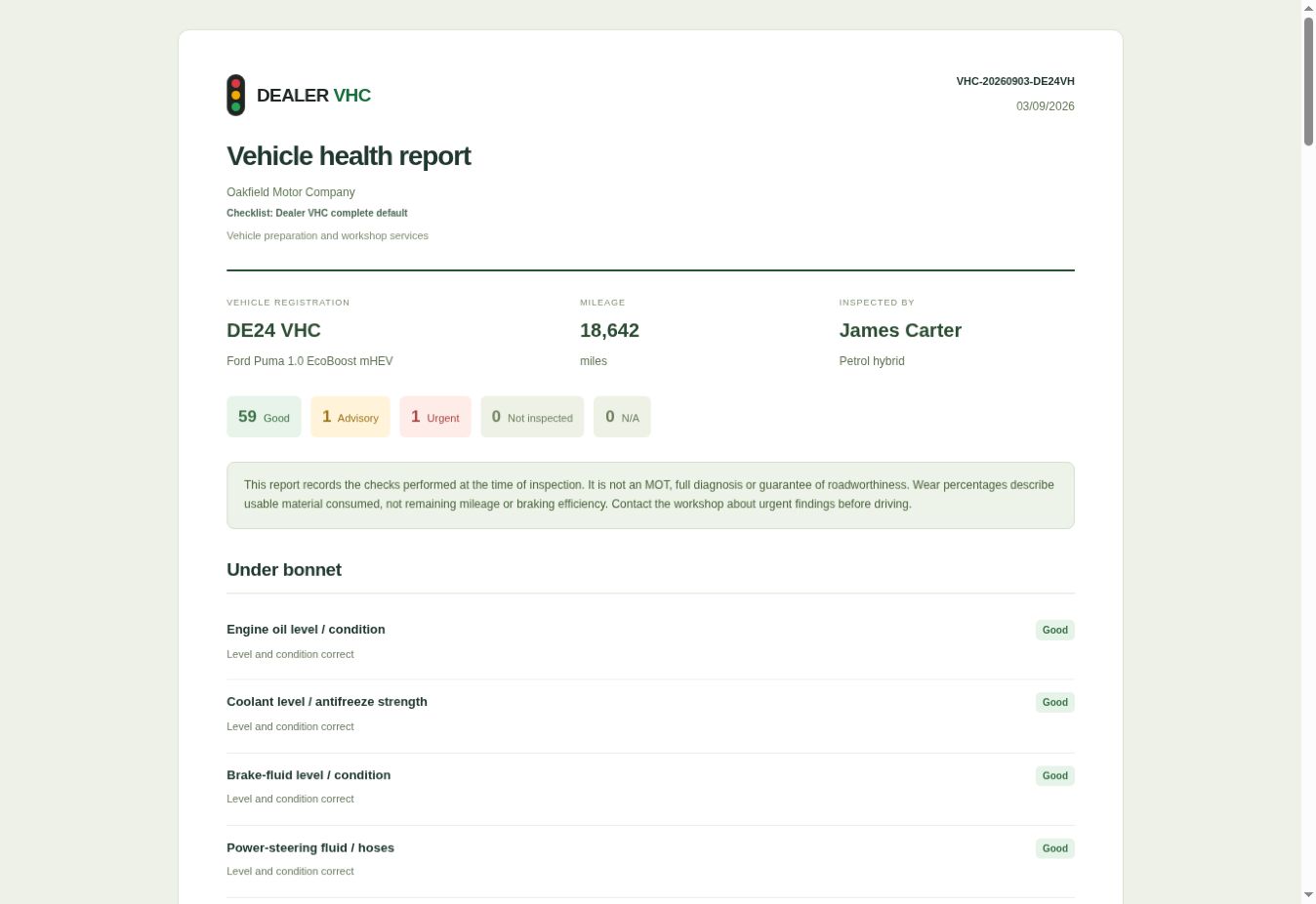
Dealer VHC helps dealerships and garages replace paper inspection sheets and disconnected messages with one traceable record. Technicians record traffic-light results, measurements, faults, notes and photographs using a workshop checklist.
Dealerships add vehicle records, complete preparation in-house or assign inspections to an invited garage, approve external repairs and review the work before issuing a buyer PDI sheet.
Garages with customer VHCs enabled can inspect their own customers’ vehicles, provide repair estimates and share secure reports. Customers can approve or defer each quoted repair online, and garages can track approved work through to completion.
Explore how Dealer VHC works

Dealership preparation and garage customer repairs follow separate workflows. Both use the same inspection tools, with approvals and handover documents tailored to the job.
Use a workshop-friendly checklist with measurements, multiple faults, photos and traffic-light results.
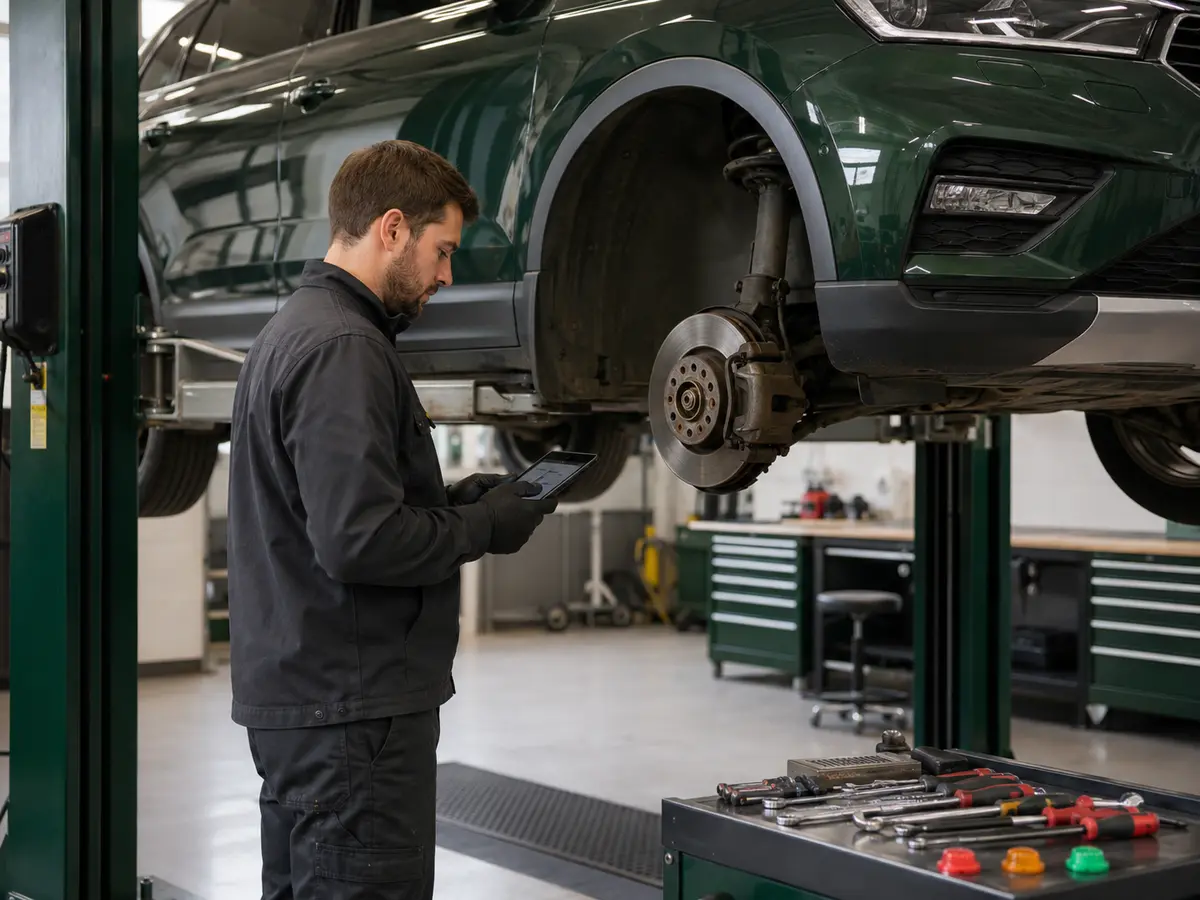
Record preparation completed in-house, or approve repairs for an assigned garage. The garage marks the work complete and returns the closed job to the dealership for review.
For garage customer VHCs, customers approve or defer each quoted repair through their report. Approved repairs appear in the garage’s authorised-work list.
Create a dated pre-delivery inspection sheet. Items marked as repaired remain listed as Good; outstanding findings and items not inspected remain visible.
Each dealership manages its vehicle records, staff and inspection checklists. Invited garages manage their own staff and see only the dealer inspections assigned to them.
When customer VHCs are enabled, a garage can also manage its own customer inspections. Dealer assignments and customer VHCs are clearly identified and searchable in the garage’s register, without giving dealerships access to the garage’s customer records.
Vehicle, customer and PDI records stay isolated from unrelated businesses.
Business administrators manage their staff accounts. Users sign in with a password or a one-time email code.
Share only the inspections assigned to an invited garage, not the dealership’s full vehicle register.
Use the default checklist, adapt existing checks or build a custom template for future inspections.
Explore the workflow for your business or review the practical VHC checklist.
Add vehicle records, manage in-house preparation or garage assignments, review completed work and issue PDI sheets for buyers. Keep inspection history searchable.
Dealership VHC softwareComplete assigned dealer inspections and approved repairs. With customer VHCs enabled, inspect your own customers’ vehicles, provide estimates and collect online approval.
Garage VHC softwareExplore checks for under-bonnet items, brakes, tyres, suspension, the underside, exterior and interior.
View the checklist guideShow inspection results on a dated handover sheet. Repaired items are listed as Good; outstanding findings and items not inspected remain visible.
Explore digital PDI softwareAnswers about digital VHCs, dealership and garage access, repair decisions and PDI sheets.
Vehicle health check software gives technicians a structured way to record a vehicle inspection, measurements, faults, notes and photographs, then present the findings and recommended work in a clear digital report.
Dealer VHC is designed for UK car dealerships, vehicle preparation teams and independent garages. Dealerships can assign inspections to invited garages. Garages with customer VHCs enabled can also inspect their own customers’ vehicles, provide repair estimates and request online approval.
Yes. For a garage’s own customer VHCs, customers can approve or defer each quoted repair through a secure report. Approved repairs appear in the garage’s authorised-work list. This is separate from dealership preparation, where the dealership approves repairs at an assigned external garage.
Yes. The dealership adds the vehicle details and assigns the inspection to an invited garage. The garage sees only the dealership VHCs assigned to it and cannot change the vehicle or customer details controlled by the dealership.
Yes. A dealership can issue a dated pre-delivery inspection (PDI) sheet for the buyer from a completed VHC. Items marked as repaired remain on the sheet as Good, without internal repair notes or prices. Outstanding advisory or urgent findings and any items not inspected remain visible.
Users sign in with their VHC account email and password. A one-time sign-in code sent by email is also available as a secure alternative, and each user can change their own password from account settings.
Try Dealer VHC free for 30 days. No card, no automatic charge and no commitment. Choose your package after the trial.
Start a 30-day free trial