Invite an existing or new garage
Connect the garage as a separate business with its own workspace.
Create vehicle records, manage in-house preparation or assign work to a garage, approve external repairs and review completed work. Then issue a pre-delivery inspection (PDI) sheet for the buyer.
The dealership enters the registration, make and model, mileage and other basic vehicle information before creating the health check. This gives the workshop a clear starting record and avoids duplicate or unidentified vehicles.
The vehicle can remain in-house or be assigned to an invited garage. Dealer-controlled vehicle and customer information remains read-only to the assigned garage.
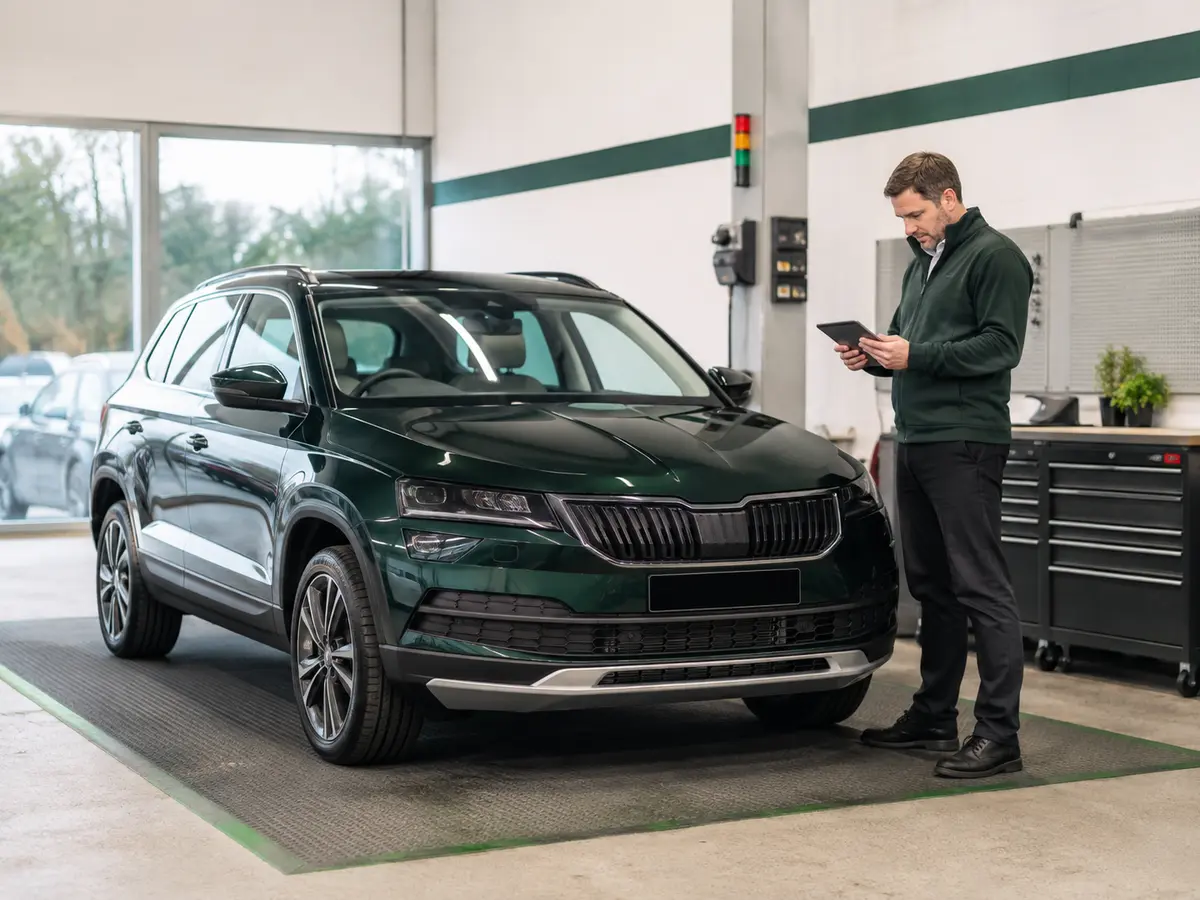
Each garage can see only the dealership vehicles assigned to it.
Connect the garage as a separate business with its own workspace.
Choose the garage when the VHC is created or change the assignment while the inspection remains editable.
The garage sees only vehicles assigned to its business inside that dealership workspace.
Garages can add inspection work and technician details but cannot create dealership vehicles or alter dealer-entered vehicle and customer fields.
Dealership preparation does not require approval from the vehicle’s buyer. The dealership approves work for an assigned garage, and the garage records each authorised preparation job as completed.
When all authorised work is complete, the garage closes the job and returns it to the dealership. The dealership is notified and is the only party that can reopen the closed workshop job.
The protected VHC keeps the original finding and job history. Completed VHCs remain in a searchable live archive without changing active buyer PDI or customer document links.
Find the records your team needs in your dealership workspace.
Vehicle, customer, report and PDI records are isolated from unrelated businesses.
Follow a checklist tailored to your dealership’s preparation process.
Find completed VHCs by registration, customer or reference without taking linked buyer documents offline.
A completed inspection can be turned into a dated digital PDI sheet. Jobs marked completed appear as Good without earlier internal details, while advisory or urgent findings still outstanding remain visible.
Dealership staff can issue a PDI even when some tasks have not been completed. The buyer sheet does not present outstanding work as finished, helping the handover record reflect the status at the time it was issued.

Yes. Dealership staff can create vehicle records, complete inspections and follow preparation work through to handover according to their account access.
No. An invited garage sees only the dealership vehicles assigned to that garage business.
No. The dealership must enter the vehicle details before assigning the VHC to a garage.
Yes. Checklists are stored per business, and each VHC keeps a snapshot of the checklist used when it was created.
Only a user in the assigning dealership workspace can reopen a closed workshop job. The assigned garage cannot reopen the job after closing it.
Set up a secure Dealer VHC workspace for your dealership.
Create a dealership workspace