Price recommended repairs
Add parts, labour time, VAT and a clear recommendation to relevant advisory or urgent findings.
With customer VHCs enabled, create digital vehicle health checks for your own customers, explain recommended repairs with photographs and prices, and request approval online. Track authorised repairs through to completion and manage dealership assignments separately.
When customer VHCs are enabled for your garage, you can inspect your own customers’ vehicles, record findings and provide clear prices for recommended repairs.
The customer receives a secure report and can approve or defer each quoted repair online. Approved jobs appear in the authorised-work queue, with the inspection evidence and customer decision kept together.
VHCs for retail customers and dealership assignments are clearly labelled in a searchable register, with completed checks kept in the archive.
Keep the evidence, estimate and customer decision connected to the same VHC.
Add parts, labour time, VAT and a clear recommendation to relevant advisory or urgent findings.
Send a secure report containing the recorded condition, measurements, photographs and quoted work.
Let the customer approve or defer each repair online and retain the submitted response with the vehicle record.
See approved repairs in the authorised-work queue, mark them completed and preserve the original finding and decision history.
Each check supports a traffic-light assessment, several fault descriptions, custom text and evidence photographs. Technicians can record tyre tread at outer, centre and inner positions and enter component-specific brake measurements.
The checklist follows a practical sequence from under-bonnet checks to wheels and brakes at mid-height, the underside at full height, and final interior checks. Every individual check has its own Fast pass action, so technicians can record no defect item by item without bulk-passing a complete section.
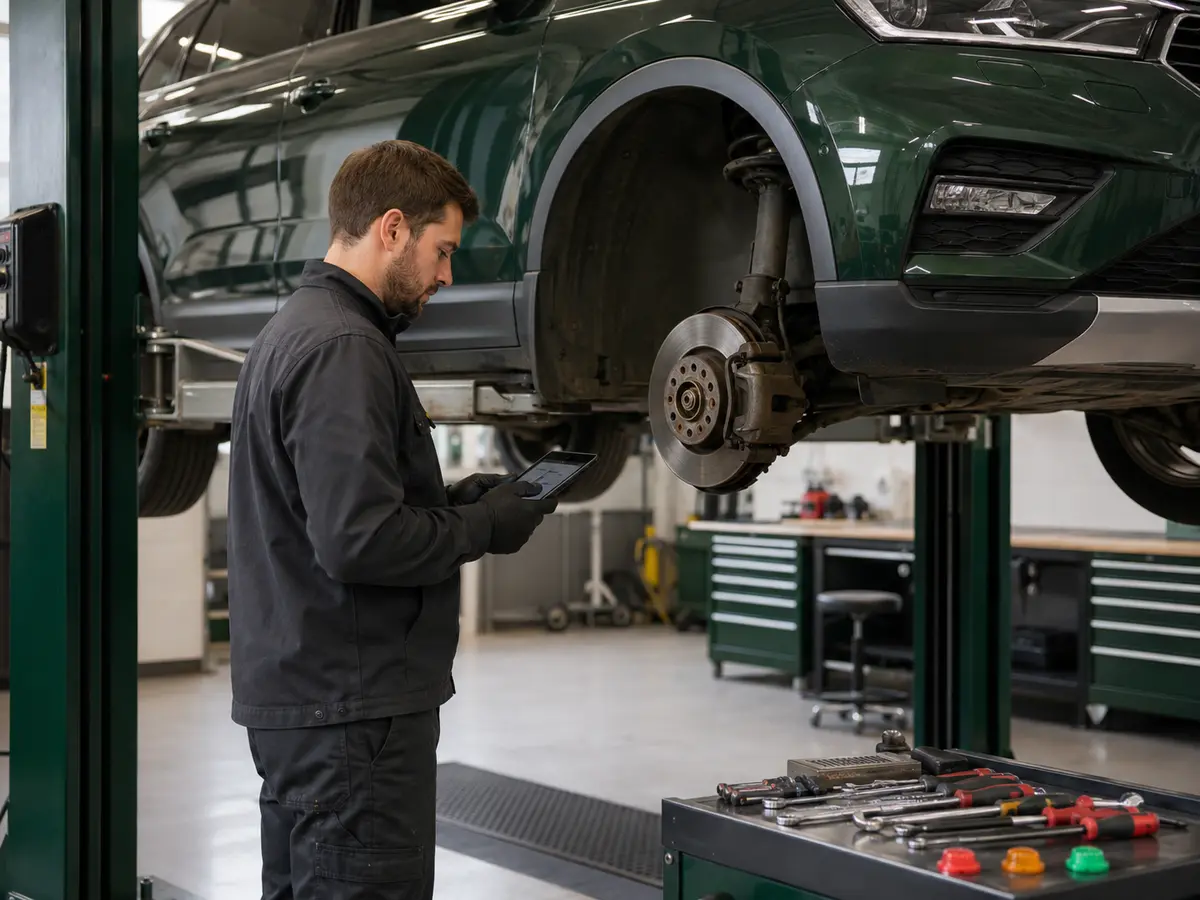
Dealer work stays separate from the garage’s retail customer authorisation workflow.
The dealership enters the registration, make and model, mileage and booking details before assigning the job.
Your garage does not receive access to other vehicles held by the dealership or another invited garage.
Garage users cannot alter the dealership’s vehicle or customer information.
Technicians add findings and evidence, complete authorised jobs, then close the job and return it to the dealer for review.
Every assigned health check arrives with the dealership’s checklist already attached. The garage records results, measurements, faults, notes and photographs using the checklist saved with that VHC.
The garage’s own customer VHCs can use a checklist tailored to its inspection process. Existing records retain the checklist that applied when they were created.
Not inside a connected dealership workspace. Dealer vehicles must be created and assigned by that dealer. If customer VHC access is enabled for the garage’s own workspace, it can separately create and send VHCs for its own customers.
The garage records the condition and evidence, prices relevant repairs and sends the customer a secure report. The customer approves or defers each item, and authorised work appears in the workshop queue for follow-up and completion.
The garage gains a separate connection to that dealership. It sees only vehicles the dealership creates and assigns to the garage.
No. The dealership controls the vehicle and customer fields. The assigned garage can add inspection information and complete the VHC.
The dealership controls the checklist on an assigned dealer VHC. The garage controls the template used for customer VHCs created in its own workspace when customer VHCs are enabled.
After every authorised preparation job is marked complete, the garage closes the job. Dealer VHC notifies the dealership, locks further garage changes and lets only the dealership reopen the workshop job.
Sign in to complete dealership assignments or manage inspections and repairs for your own customers.
Sign in to your garage workspace